
Sestriere Ski Map: Reading the Via Lattea Piste Map
Understand how the Sestriere piste map fits the Via Lattea area, which sectors link at Monte Fraiteve, and how to check live lift status before you ski.
On this page
Sestriere sits inside the Via Lattea, a cross-border ski network that joins several Piedmont resorts with Montgenevre in France. The piste map you pick up in town is therefore a sector of a larger diagram, and understanding that structure changes how you plan a day. This guide explains what the map covers and how to read it without treating it as a slope-by-slope instruction manual.
Why Sestriere sits at the centre of the Via Lattea map
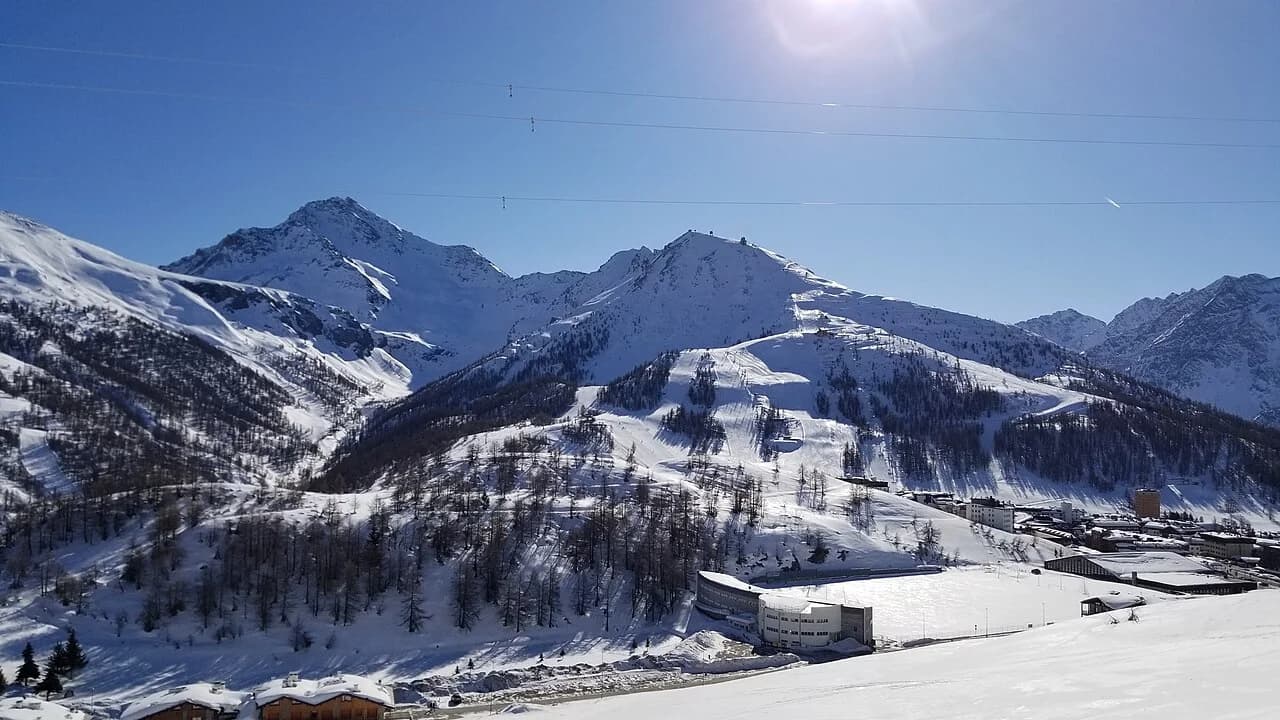
Sestriere occupies a junction position in the Via Lattea network rather than sitting at one end of it. The town base sits at just over 2,000 m, and the skiing spreads across slopes on either side of the valley, with a gondola link reaching the top of Monte Fraiteve. That high point is the crossroads from which the map shows connections toward Sauze d'Oulx and Sansicario.
The practical consequence is that a Sestriere lift pass is not only about Sestriere's own slopes. From the town you can work outward through the network, and the map is the tool that shows which sectors you can reach without unclipping. Whether every link operates on a given day is a separate question you check against live status rather than assume from the printed diagram.
What the whole-area Via Lattea piste map covers
The Vialattea area map names Sestriere alongside Sauze d'Oulx, Sansicario, Cesana, Sauze di Cesana, Claviere, Oulx, Pragelato and Montgenevre. It presents them as connected by lifts in a ski-on, ski-off arrangement rather than as separate day-trip destinations. That framing matters because it tells you the map is describing one linked system, even though each village has its own base area and local character.
Because the map covers the whole network, slope and lift totals on it are whole-area figures. You will see different counts quoted elsewhere for Sestriere alone, and the two are not in conflict once you know the basis. Read the legend for the area total, and treat any resort-specific number as a subset rather than a correction.
The link hubs that shape the map: Monte Fraiteve and Monti della Luna
Two structural hubs organise the whole-area map. Monte Fraiteve connects Sestriere with Sauze d'Oulx and Sansicario, which is why Sestriere appears near the middle of the diagram rather than the edge. The Monti della Luna area is the second hub, grouping the slopes of Cesana Torinese, Claviere and Montgenevre. These two clusters are the map's backbone, and most route decisions start by identifying which hub you are working through.
On the map, the hubs are marked where lift lines converge, so tracing a line from Sestriere outward usually passes through one of them. That is the clearest way to judge whether a proposed sector is realistically reachable in a day. It also explains why a static map cannot tell you whether a specific link is running on your dates; the Vialattea piste and lift status page is the place to confirm that.
Sestriere's position on the map: town base, altitude and lift access
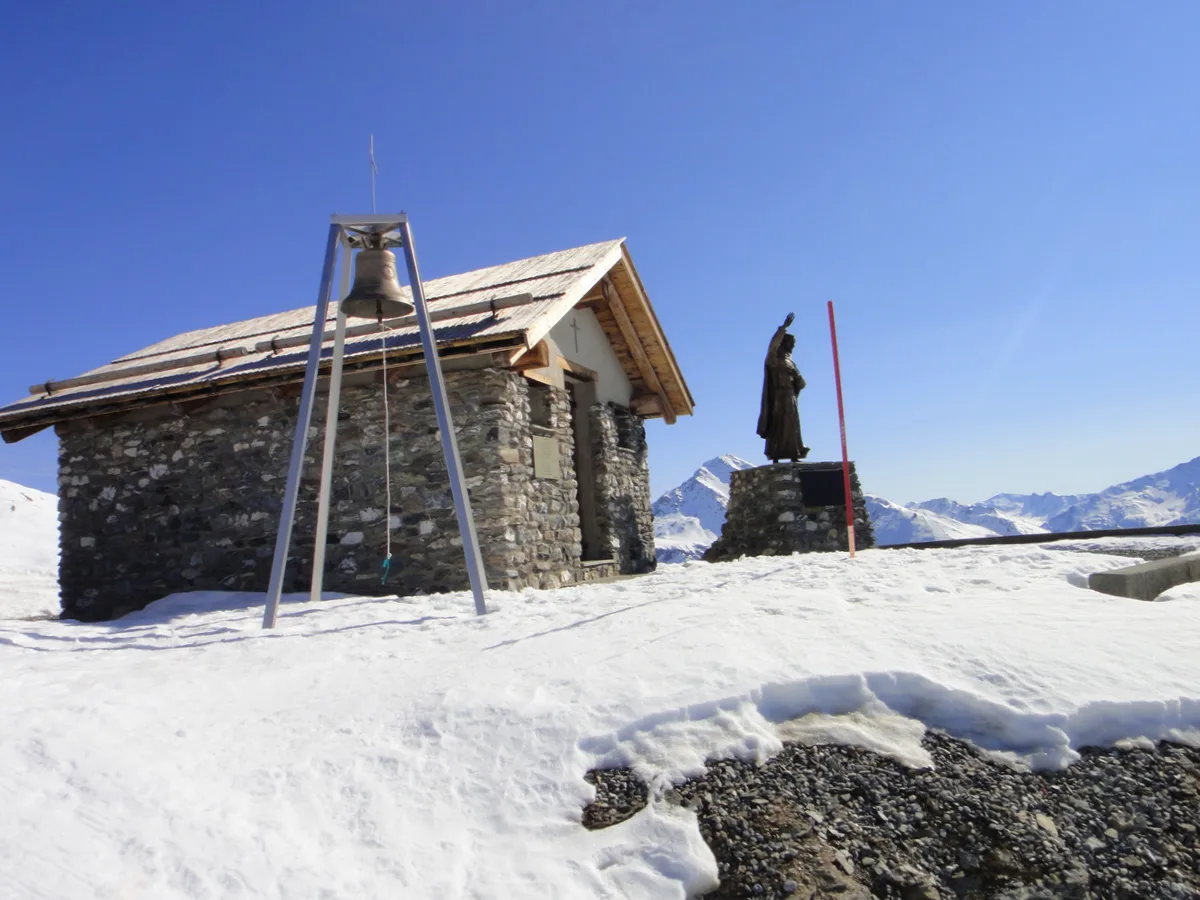
Sestriere's town base sits at just over 2,000 m, which places much of the local skiing high on the map and gives the resort a northwest aspect on its main slopes. In the wider area the terrain rises to 2,800 m at Motta peak, which is the highest point the Vialattea area map marks out. Reading the legend against that top figure helps you judge how much vertical a given route covers.
Lift access from town is the practical starting point for reading the map. In the resort itself the diagram shows a gondola link to the top of Monte Fraiteve, from which the network opens out toward neighbouring sectors. Use the map to identify which lifts leave Sestriere and where they land, then check operating status separately, because a scheduled lift is not a guarantee that it runs every day of your trip.
Reading the map for your own level: piste colour classifications near Sestriere
Via Lattea maps mark each run with a number and, in some cases, a name, and use colour to indicate difficulty. The published area breakdown lists a small number of green runs, many blue and red runs, and a smaller set of black runs across the whole network. For a Sestriere day, the useful step is to locate the colour bands closest to your base rather than count totals across the area.
The colour key tells you difficulty classification, not conditions. A red run on the map is still a red run in fresh snow or at the end of a warm afternoon, and the map cannot convey that. Read the key to plan which sectors suit your group, then confirm what is actually open and skiable on the day through the resort's own status information.
Where to download the official map and how to check live status
The operator publishes a downloadable Via Lattea piste map in PDF format, which is the version to use for planning because it reflects the current network layout. Downloading it before you travel lets you study the hubs and sector names at leisure instead of trying to read a folded sheet at a lift station. The same map page is the reference point for the whole-area diagram.
Printed maps go out of date, so pair the download with a live status check during the season. The resort publishes up-to-date information on which runs and lifts are open across the area, and this is where you confirm the position on any given morning. Closures can occur at short notice because of weather, so treat the map as the plan and the status check as the confirmation.
Using the Sestriere Map as a Planning Tool
Read the Sestriere piste map as a sector inside the Via Lattea network, organised around the Monte Fraiteve and Monti della Luna link hubs. That framing tells you which neighbouring resorts are structurally connected to Sestriere and which sectors sit within a realistic day. It also keeps you from treating a whole-area total as though it described Sestriere alone. If you are weighing up other linked resorts, the Canazei piste map guide shows how a similar sector diagram is read elsewhere.
Use the Vialattea downloadable map for planning and the resort's live status information for the day itself. A scheduled season is conditional, so a lift or link shown on the diagram may still be closed when you arrive. If you need to settle pass, lesson or hire questions before travelling, those are decisions for the other Sestriere guides rather than the map itself.
Frequently Asked Questions
Where can I download the Sestriere and Via Lattea piste map?
The Via Lattea piste map is available as a downloadable PDF from the ski area's own website. Use that version for planning, as it reflects the current network layout across Sestriere and the connected resorts. Printed copies available locally may lag behind it.
Can you ski from Sestriere to France using the Via Lattea map?
The whole-area map shows Montgenevre, across the French border, within the connected Via Lattea network. The route runs through the Monti della Luna hub area rather than directly from the Sestriere base. Whether the relevant links are open on your dates is a live-status question, so check before planning a cross-border day.
Which resorts are connected to Sestriere by lift on the map?
The area map places Sestriere alongside Sauze d'Oulx, Sansicario, Cesana, Sauze di Cesana, Claviere, Oulx, Pragelato and Montgenevre in one linked system. From Sestriere, Monte Fraiteve is the hub giving access toward Sauze d'Oulx and Sansicario, while the Monti della Luna hub groups Cesana, Claviere and Montgenevre.
How do I check which Sestriere lifts and pistes are open?
Use the resort's live status information during the season, which reports which runs and lifts are open across the area. The printed or downloaded map shows the network layout but cannot reflect same-day closures, which can happen at short notice because of weather. Check on the morning you plan to ski rather than the night before.
Sources
Useful notes for your next ski trip
Optional updates to our Alpine resort guides.
You might also like
Continue reading
More guides you'll find useful
.jpg)
