Les Gets Ski Map: Sectors, Links and Live Piste Status
Les Gets sits on two local sectors inside the Portes du Soleil. Learn which map to open, how links appear, and how to check live lift and piste status.
On this page
Choosing a Les Gets map is really a choice about scope. The official resort plan shows the local sectors around the village, while the Portes du Soleil plan spans the linked resorts across the French and Swiss border. A printed map is ideal for orientation and lunch planning, but it cannot confirm whether a specific inter-station link is running at that hour. Use the map to plan, and the Portes du Soleil live tools to decide on the day.
Two Local Sectors, One Wider Circuit
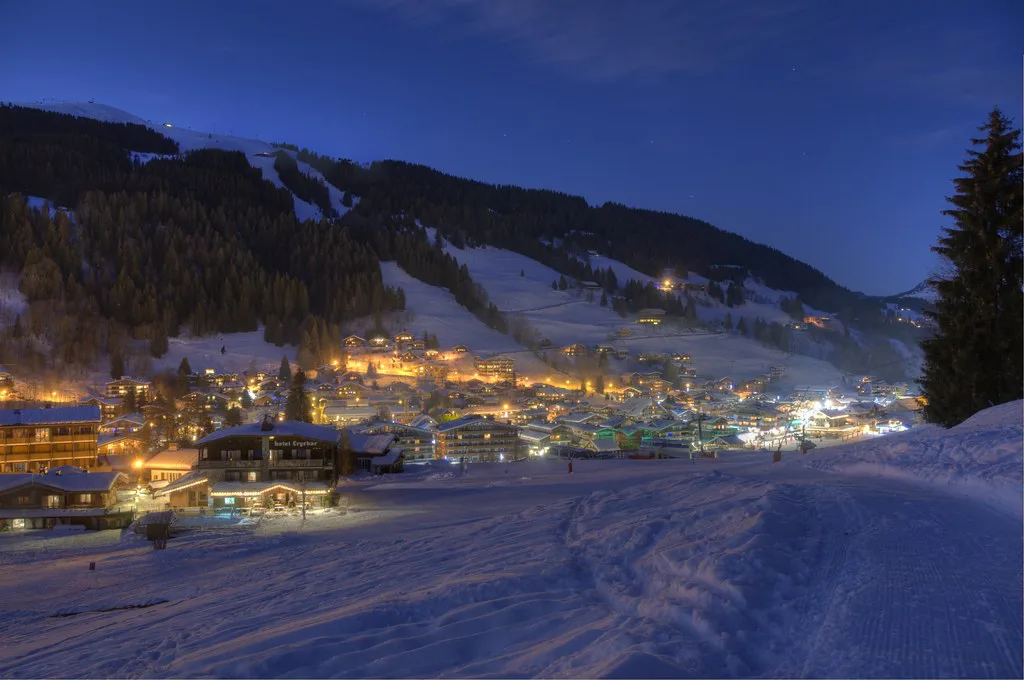
Les Gets is drawn as two local sectors rather than one continuous area. The Chavannes side faces the village and the Morzine direction, while Mont Chéry rises on the opposite side above the valley. Both appear on the official Les Gets piste map and connect into the wider Portes du Soleil network. If you are planning where to base your day, start with these two, then decide whether to ride the links outward.
The local Les Gets and Morzine plan is the clearest way to see those two sectors side by side with the adjoining Morzine lifts. The full Portes du Soleil plan is useful once you intend to cross into another resort, because it shows the border crossings and the long-distance circuits. Distance and lift counts vary between published sources, so treat totals as indicative and prefer the figures published by the resort itself. For the resort-wide picture, see the Les Gets Skiing Guide.
Which Map to Open for Your Day
A single-resort or local-area plan is the right download if you are staying in Les Gets and skiing close to the village. It shows the two local sectors in detail, plus the connecting lifts toward Morzine, without the distraction of the far side of the Portes du Soleil. The official Les Gets piste map page links the resort plan and the wider Portes du Soleil version, so you can compare the two before deciding. Pick based on your intended travel radius, not on how impressive the bigger map looks.
Open the full Portes du Soleil plan when your day involves crossing to another resort or meeting people based elsewhere. That plan covers the linked domain Portes du Soleil describes as spanning around twelve resorts, with individual sector plans available for each. If your trip is centred on one valley, the larger map adds noise rather than clarity. Keep the local plan as your primary reference and the full plan for the days you travel far.
What the Interactive Map Shows That Paper Cannot
The Portes du Soleil interactive map is the tool for the morning-of decision. It displays open slopes and lifts, the status of inter-station links, webcams and points of interest in real time, and it updates as conditions and operations change through the day. A printed PDF is a snapshot of the network as designed, not a report on what is actually turning. Treat the interactive map as your live layer and the printed map as your planning layer.
The practical distinction matters most for links between resorts. A connection drawn on paper can be closed while another route remains open, so the useful question is which specific link is running today, not whether a link exists in principle. The same live view also shows webcam feeds, which help you judge visibility and queue conditions before committing to a long traverse. Check the live map before you leave your accommodation.
Where to Get a Paper Map and PDF Downloads
Free paper maps are distributed at the Tourist Office, lift ticket offices and equipment hire shops, so you can pick one up on arrival rather than printing at home. These remain useful for marking meeting points and lunch stops, and they work when a phone battery does not. Ask at the ticket desk for the local plan if you want the village sectors in detail. It costs nothing and removes one screen from your morning routine.
If you prefer to plan ahead, downloadable PDFs cover the Les Gets and Morzine local area, the full Portes du Soleil network and individual resorts including Avoriaz, Châtel and Champéry. The official map page also confirms that Nordic and cross-country routes are signposted, so you can see whether those trails fall inside your planned area. Download the local plan first, then add the wider plan only if your itinerary reaches beyond the two Les Gets sectors.
Lift Hours and Season Boundaries on the Map
Lift times vary by season and by lift, and the official Les Gets piste map page points readers to a separate opening times page for full details. As an indicative pattern, Les Gets lifts have been listed as opening around 09:00, with closing somewhere between roughly 16:10 and 17:30 depending on the lift and the time of year. Treat that range as a planning assumption, not a fixed timetable, and rely on the published opening times page before planning a late-afternoon return.
The winter season is scheduled rather than guaranteed, and the Portes du Soleil interactive map is the place to see what is actually open. A published opening plan is conditional on conditions and can change, and end-of-season dates may differ between sectors, with some lifts finishing earlier than others. Use the planned dates to shape your booking window, then check the official opening times and live status closer to travel. A printed closing date is not a promise for every lift.
Planning Questions the Map Helps You Ask
The map is best used to generate specific questions for the lift company and tourist office rather than to assume answers. Which pass covers the sectors you intend to ski? Are pedestrian lift rides available if some of your group does not ski? Are there restrictions on certain lifts or on the Mont Chéry side? Write those down before you book, because the answers affect both cost and itinerary. The Les Gets Ski Pass Guide explains the pass boundaries you need to check before committing.
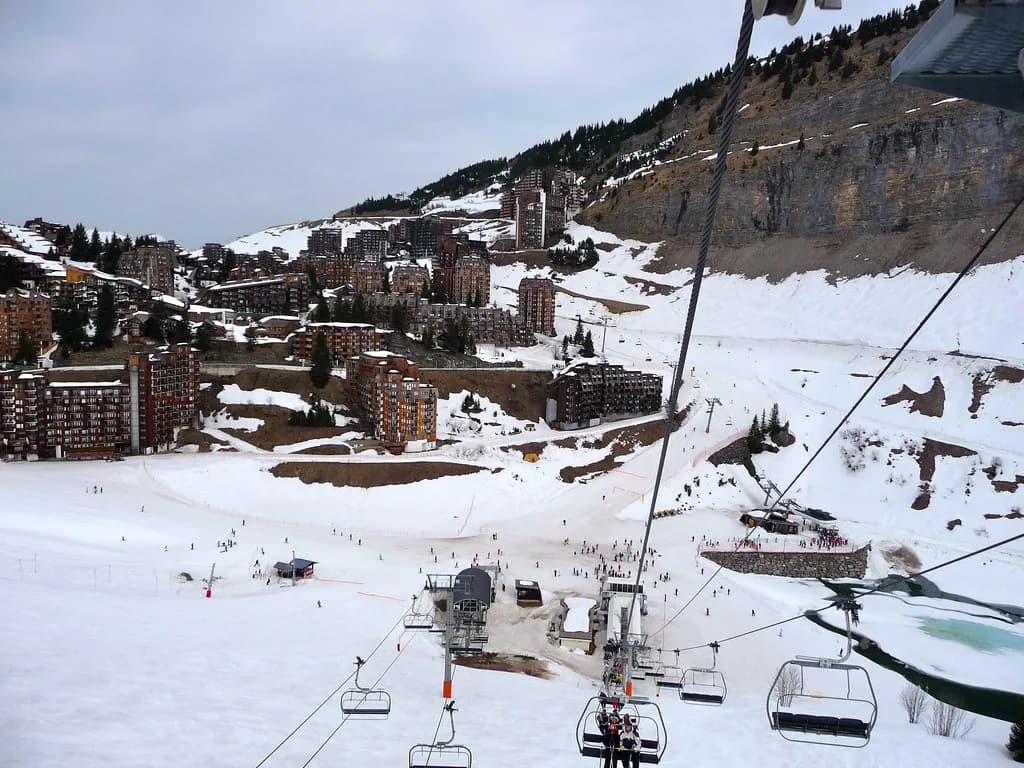
Pass coverage across sectors, pedestrian access and any local restrictions should be confirmed with the lift company or Tourist Office rather than inferred from the map or a resort's reputation. The official Les Gets piste map page notes that several lifts are accessible to pedestrians, with specific rates handled on the ski passes page, so walking access is a real option for non-skiers. Ask about the sectors you actually plan to use, and confirm the booking terms that apply to your dates. If you also ski elsewhere, the Alpe d'Huez Ski Map guide shows how another resort structures its sectors and links.
Plan Your Visit
Start with the local Les Gets and Morzine plan to understand the two village sectors, then add the full Portes du Soleil plan only if your trip reaches further. Use the interactive map on the morning you ski to check which slopes, lifts and links are actually running, and treat printed maps as orientation rather than live truth. Confirm pass coverage, lift hours and any restrictions with the lift company before you book, and keep your itinerary flexible around the snow-dependent season boundaries.
Frequently Asked Questions
Where can I get a paper Les Gets piste map?
Free paper maps are available from the Tourist Office, lift ticket offices and equipment hire shops in Les Gets. These are useful for marking meeting points and lunch stops, and they work without a phone signal. Ask at the ticket desk for the local Les Gets and Morzine plan if you want the village sectors shown in detail.
Does the Les Gets map show cross-country skiing areas?
Yes. The official Les Gets piste map page states that Nordic and cross-country routes are signposted on the map. If cross-country skiing is part of your trip, check the relevant Nordic page alongside the piste map to confirm which loops are prepared and where they start.
How do I know if a link to Morzine or Avoriaz is open?
The interactive Portes du Soleil map shows the status of inter-station links in real time, along with open slopes, lifts and webcams. A printed map shows the link as designed, not whether it is running on the day. Check the live map before setting off on any long traverse between resorts.
What are the Les Gets lift opening times?
Opening times vary by season and by lift, and the official map page directs readers to a separate opening times page. As an indicative pattern, Les Gets lifts have been listed as opening around 09:00 and closing between roughly 16:10 and 17:30. Check current hours before planning a late return.
Sources
Useful notes for your next ski trip
Optional updates to our Alpine resort guides.
You might also like
Continue reading
More guides you'll find useful