Courchevel Ski Map: Reading the Piste Map and Lift Domains
Understand the Courchevel ski map: how the local area and the 3 Vallées domain split, which villages the map links, and how to check live lift status.
On this page
The Courchevel ski map is not a single picture of one resort. It covers a local domain of around 150 km of slopes and, beyond it, the linked 3 Vallées area, so the same map answers two different questions about where your pass will take you. Reading it as a pass-domain decision rather than decoration is the quickest way to avoid buying access to ground you will not use.
This guide walks through how the map splits, which village labels you meet on it, the orientation figures worth knowing, and where to check whether a mapped lift is actually running. It stays with map structure and access, leaving slope choice and conditions judgement to the day itself.
Why the Courchevel Ski Map Is Two Maps in One
The official resort describes a Courchevel pass as valid across the whole Courchevel ski area, which it gives as 150 km of slopes, covering the resort's villages. The same page presents the 3 Vallées option separately, quoted as 600 km with 342 runs and 158 lifts. That split is the single most important thing the map shows you, because the two domains cover different ground.
Treat the local domain and the 3 Vallées as two tiers rather than one continuous playground. If your week is built around the villages above Courchevel and La Tania, the smaller domain is the honest description of your skiing; the wider domain only matters if you intend to cross into neighbouring valleys. Decide which tier you need before you look at any specific lift line, and compare the same tier logic in our Alpe d Huez piste map guide if you are weighing resorts.
The Village Labels You Meet on the Map
The official pass page names the villages the local Courchevel domain covers: 1850, Moriond, Village, Le Praz and La Tania. Those names are the anchors you will use to orient yourself on the map, because each one sits at a different point on the slope system rather than at the same base. La Tania in particular is often read as a separate resort, but it appears here inside the local Courchevel area.
Beyond the local boundary, a third-party guide lists the resorts making up the wider linked area, including Méribel, Les Menuires, Val Thorens, Orelle and St Martin de Belleville alongside Courchevel and La Tania. Use that list to understand what the far edges of the map represent, not as a claim that every link between them is running.
Map Orientation Figures Worth Knowing
A third-party ski-area guide gives Courchevel figures that help you read scale on the map: a resort height of 1,850 m, an altitude range from 1,100 m to 2,738 m, a vertical drop of 1,638 m, 150 km of pistes, 56 lifts and a longest piste of 12 km. It also breaks the pistes into 19 green, 35 blue, 34 red and 8 black. These are a third-party summary rather than an operator-published table.
The two sources count the wider area differently: the Courchevel tourism office page quotes 342 runs, 600 km and 158 lifts, while the third-party guide describes over 500 marked pistes and just under 200 lifts across the same linked area. For pass-domain decisions, prefer the tourism office figures; treat the third-party numbers as a broader framing of the same terrain.
Reading Lift Links and Sector Boundaries
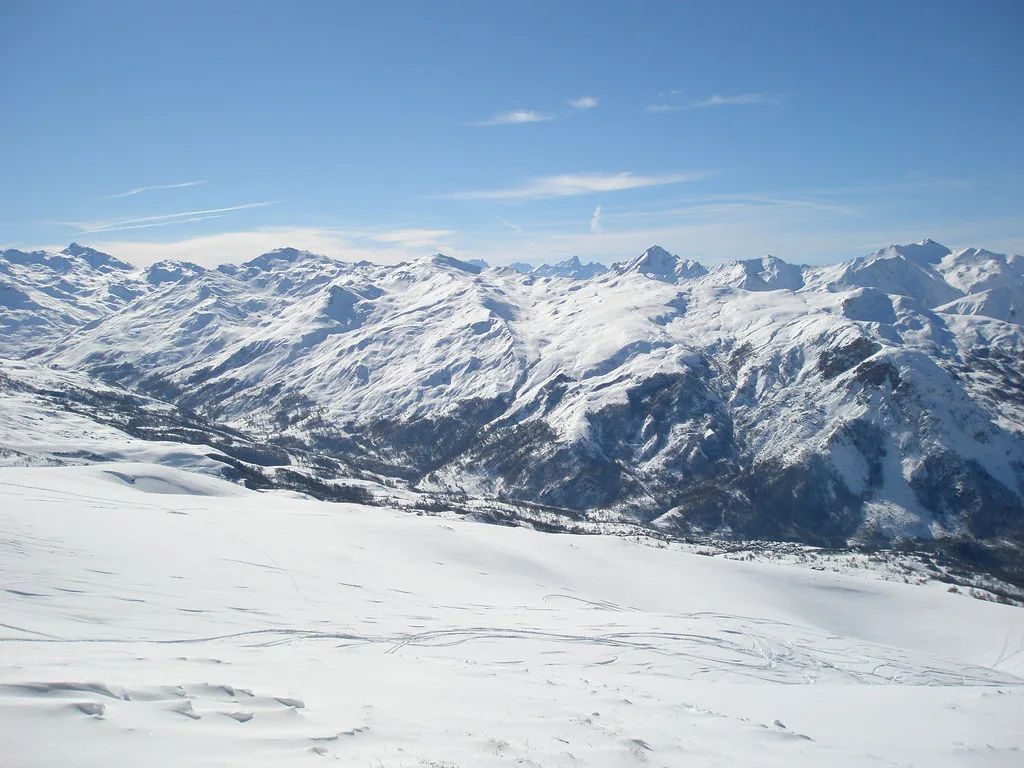
A line on the map shows that a connection exists on paper, not that it will be running on your dates. Lift operations are conditional, and the resort does not present the full mapped network as running every day of the season. Read each link as a possibility, especially early or late in the winter.
Sector boundaries matter more than individual runs when you plan a base. Skiing out of one village and returning from another involves crossing boundaries that behave differently in poor weather or low snow, so build slack into any plan that depends on a long traverse. The map tells you where those boundaries sit; it does not tell you how they will perform.
Checking Live Map Status Before You Travel
The official 3 Vallées app is described as covering pass purchase or top-up, webcams, openings, restaurants and real-time trail conditions, which makes it the practical tool for checking whether a mapped lift is running. Use it alongside the official map rather than relying on a printed version, which cannot reflect same-day status.
The third-party guide suggests checking which Courchevel lifts are open and looking at webcams before travel, which is sound advice for the same reason: mapped does not mean operating. Which lifts the lift company publishes as open, and when, is a live question to look up on the day rather than take for granted.
Planning Sequence: Map, Domain, Base Village
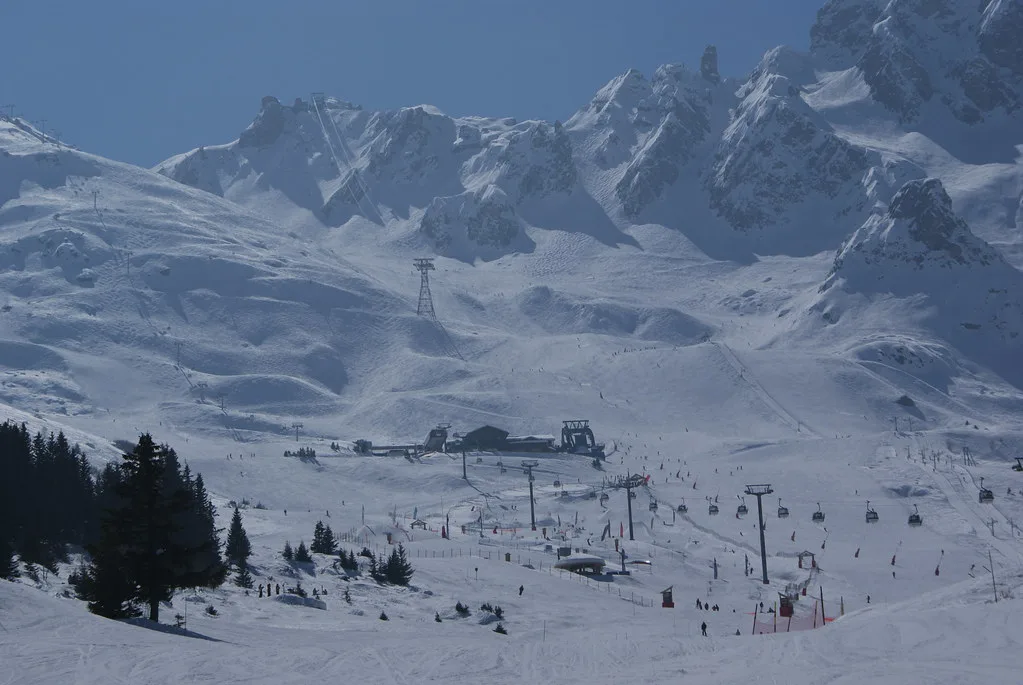
Work in order. Look at the map to see which villages sit inside the local domain and which sit beyond it, then choose the pass tier that matches the ground you actually intend to ski. Only after that should you pick a base, because the village question follows from the domain question, not the other way round.
If the answer is still unclear, Courchevel's sales points and purchase channels are the place to resolve it, since the pass range described covers local, wider-domain and beginner options. Do not infer inclusions from a village name or a mapped link; establish what a given pass covers before you commit.
Plan Your Visit
The Courchevel ski map rewards being read in the right order: first the domain split, then the village labels, then the individual links you intend to use. The local area and the wider 3 Vallées are sold as separate passes, and that distinction does most of the work in planning where to base yourself and what to buy.
Before booking, confirm which lifts and links are scheduled to run on your dates through the operator's own live tools, and treat historic conditions as context rather than forecast. If a mapped connection is central to your plan, check its status rather than assuming it.
Frequently Asked Questions
Is Courchevel part of the Three Valleys ski area?
Yes. Courchevel sits inside the linked Three Valleys area, and the official pass page lists other member resorts including Méribel, Les Menuires, Val Thorens, Orelle and St Martin de Belleville. On the map, that means Courchevel appears both as its own local domain and as one sector of the wider linked network.
How many pistes and lifts does Courchevel have?
The official operator quotes the wider Three Valleys domain as 342 runs, 600 km and 158 lifts. A third-party guide gives Courchevel's own local area as 150 km with 56 lifts, split into 19 green, 35 blue, 34 red and 8 black pistes. Check the current map and app for figures for your travel dates.
What is the altitude range of the Courchevel ski area?
A third-party ski-area guide gives Courchevel a resort height of 1,850 m, an altitude range from 1,100 m to 2,738 m and a vertical drop of 1,638 m. These are summary figures rather than a live conditions statement, so use them for orientation and check lift and piste status before you travel.
Can I check which Courchevel lifts are open before I travel?
Yes. The 3 Vallées app covers webcams, lift openings and real-time trail conditions, the practical way to check whether a mapped lift is actually running. A third-party guide also advises checking lift openness and webcams before travel. Mapped links are conditional, not guaranteed.
Sources
Useful notes for your next ski trip
Optional updates to our Alpine resort guides.
You might also like
Continue reading
More guides you'll find useful