Courmayeur Ski Map: Decode Chécrouit & Val Veny Sectors
Learn how to read the Courmayeur ski map by separating the Chécrouit and Val Veny sectors, checking lift types and using live status before you ski.
On this page
The Courmayeur ski map looks simple until you try to plan a day across it. The lift-served terrain is easiest to understand as two main sectors, Chécrouit and Val Veny, which sit on opposite sides of the valley above the town. Once you can place each lift and piste line in one of those sectors, the map becomes a route-planning tool instead of a wall of names. This guide explains how to read it, what the symbols mean, and which checks belong to live status rather than the printed sheet.
Why the Courmayeur Map Splits Into Two Lift-Served Sectors
Courmayeur's lift-served terrain is not one continuous snowfield; it divides into the Chécrouit side and the Val Veny side. The Chécrouit sector is the classic centre of the resort, reached from the town side by the Courmayeur cable car and the Dolonne telecabin. The Val Veny sector branches off to the south-west, served by its own cable car from the valley. That split is the first decision on any Courmayeur ski map, because it determines which base station you aim for and which lifts you can reach without crossing the mountain. If you like comparing resort layouts this way, the Canazei piste map guide shows how another multi-sector area is read sector by sector.
The two sectors meet high on the mountain, so a confident skier can move between them during a day. That connection matters for planning, because it lets you choose a side to start on and a side to finish on. It also means the map's middle ground, where the Chécrouit and Val Veny lift networks overlap, is where you should look first when deciding how ambitious your day will be. If you only have a few hours, pick one sector rather than trying to see both.
Chécrouit: The Checrouit, Youla and Arp Lift Sequence
On the Chécrouit side, the map shows a sequence of lifts that lead from the base station up to the higher terrain. Names to identify include the Checrouit telecabin, the Youla cable car and the Arp cable car, with the Maison Vieille chair lift and the Pra Neyron chair lift filling the middle of the sector. The Chiecco drag lift and the Le Greye drag lift serve shorter, lower pitches. Reading the lift types matters because a telecabin or cable car usually moves more people faster and connects larger vertical steps, while a drag lift is a smaller, slower link.
The map marks Arp at the top of the Chécrouit lift stack, and Courmayeur Mont Blanc Funivie lists l'Arp among runs with significant vertical drops. Do not read that as a groomed piste line on the map; Courmayeur Mont Blanc Funivie groups groomed slopes and off-piste terrain together, so the map alone does not tell you which category a top-of-the-lift line belongs to. Treat the highest terrain as the part of the map least resolved by a two-dimensional drawing. If a piste line is not clearly drawn or named, the sensible response is to check live status rather than guess.
Val Veny: The Dolonne, Val Veny and Maison Vieille Side
The Val Veny sector has its own identity on the map, with the Val Veny cable car as the main access lift from the valley floor. The Dolonne telecabin also helps feed traffic into the lower network, and the Maison Vieille chair lift appears in the middle of this side. Third-party listings sometimes label the Val Veny side with sub-headings such as Versante Val Veny or Pra Neyron, but treat those as webcam or sub-area labels rather than separate official ski areas. The official structure is two sectors, and the Val Veny side is one of them.
The Val Veny cable car and the Dolonne telecabin give this sector two possible starting points, which affects how you time your morning. Lifts on this side are a mix of cable car, telecabin, chair lift and drag lift, so the same rules apply: bigger lifts for bigger vertical steps, smaller lifts for shorter links. The resort sits between 1,208 and 2,763 metres, so the top of the Val Veny side gives you the full vertical of the sector in one run. Build flexibility into the plan by choosing a sector that has more than one way down.
Reading Lift Symbols and Piste Lines on the Official Map
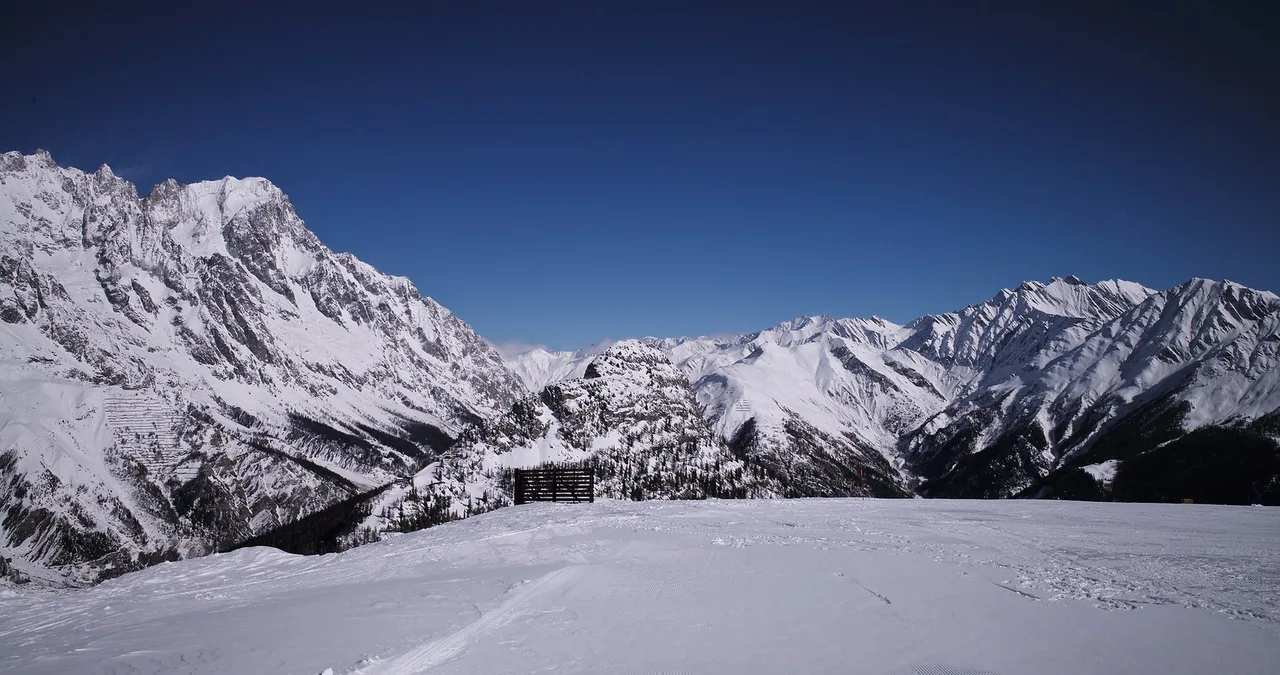
Official Courmayeur piste maps use lift-type symbols to distinguish cable cars, telecabins, chair lifts and drag lifts. Courmayeur Mont Blanc Funivie publishes a downloadable map of the ski resort, which is the reference graphic to use rather than a screenshot or a third-party copy. When you open it, first find the two base stations, then trace each lift line to see where it tops out. That simple pass gives you the skeleton of the resort before you try to name individual pistes.
Piste lines on the map are usually drawn as thin lines with numbers or names, and the map may not resolve every off-piste line or variation. Courmayeur Mont Blanc Funivie describes the area as including groomed slopes and off-piste terrain, so read the map as showing the main groomed corridors plus some recognizable off-piste zones, not every skiable line. Do not infer difficulty or safety from a piste name; a name alone is not a difficulty rating. If a line looks appealing but its status is unclear from the map, run the live tables before relying on it.
What the Map Cannot Tell You: Live Status, Opening Hours and Snowmaking
A printed or downloaded map is a static document, so it cannot tell you which lifts and pistes are open on the day you ski. Live status tables on third-party sites show lift-by-lift and piste-by-piste status, which is the operational check the map cannot answer. Use the map to plan the shape of your day, then use live status to confirm which parts of that plan are actually running. If the two conflict, trust the live status and adjust.
Opening hours and season dates are the other details a map will not settle. Courmayeur Mont Blanc Funivie publishes its own information, and third-party pages such as BERGFEX may show forward-looking dates or hours that have not been matched against the lift company. A scheduled winter season is conditional, not a promise that every lift, link or piste will open on a given day. Consult Courmayeur Mont Blanc Funivie's own channels for the season you are travelling, and treat any single-source timetable as provisional until it matches the official source.
Planning Your Courmayeur Ski Day Around the Map
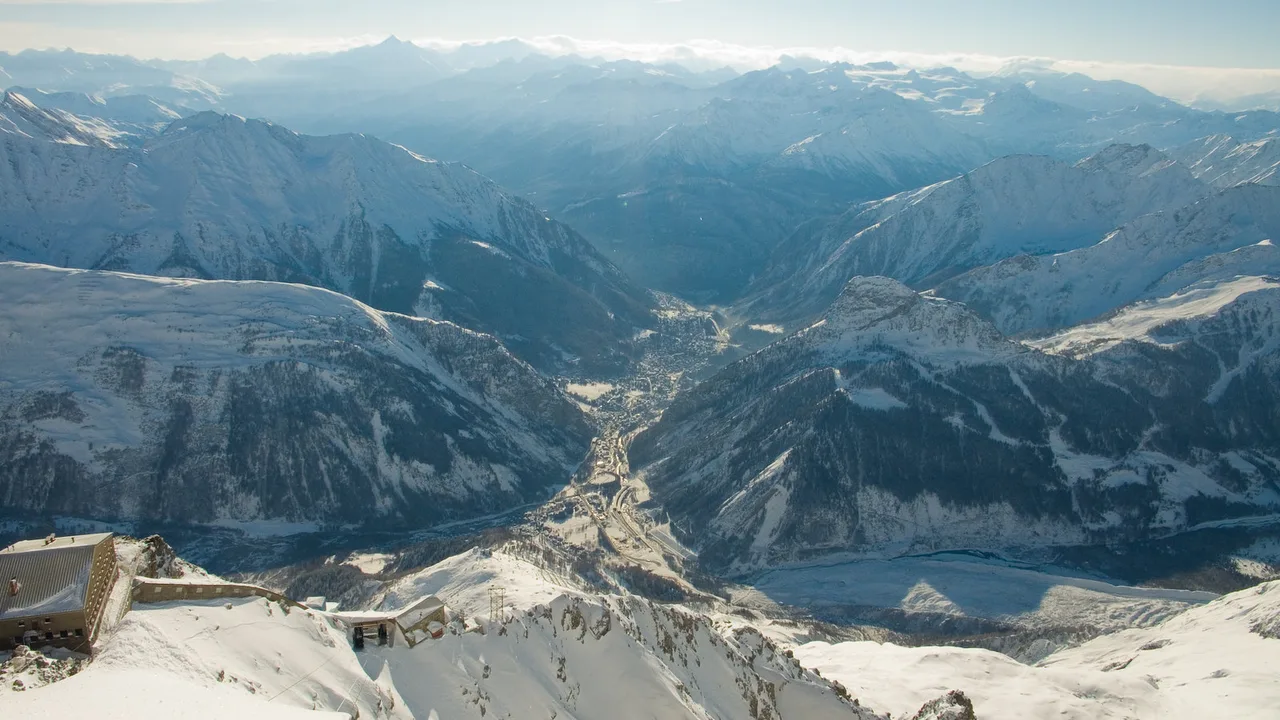
Start by choosing your sector for the morning. If you want the classic Chécrouit lift sequence, aim for the Courmayeur cable car or Dolonne telecabin; if you want the Val Veny side, aim for the Val Veny cable car. Then decide whether you want to cross to the other sector during the day. The map shows where the lift networks overlap, so use that middle ground as your planned crossing point rather than guessing. A two-sector day works best when you accept that you will not cover everything.
Run counts differ between Courmayeur Mont Blanc Funivie and third-party listings, so do not build a plan around a single total. The lift company's description and the third-party piste lists do not agree on the exact number, and Courmayeur Mont Blanc Funivie's page does not separate groomed piste length from off-piste terrain. Use the map to identify sectors and lift sequences, and use live status to confirm what is running. That approach keeps the map useful without over-claiming what it proves.
Plan Your Visit
Reading the Courmayeur ski map comes down to two questions: which sector am I starting in, and which lifts connect the sectors today? Answer those with the downloadable official map and the live status tables, then check current season and opening details with Courmayeur Mont Blanc Funivie before you travel. The map is the structural guide, not the operational answer. Treat it as the first step, not the final word.
Frequently Asked Questions
How many sectors does the Courmayeur ski map show?
The lift-served terrain is best understood as two main sectors, Chécrouit and Val Veny. Third-party listings sometimes add sub-area labels such as Versante Val Veny or Pra Neyron, but those are webcam or sub-area names rather than separate official ski areas. Use the official map to confirm the sector structure for your visit.
Where can I download the official Courmayeur piste map?
The operator's ski area page includes a downloadable map of the ski resort. Use that as your reference graphic rather than a copied or third-party version, and check the same page for any updates to the map or ski area information before you travel.
How do I check which Courmayeur lifts and pistes are open today?
Use live status tables that list each lift and piste by name with an open or closed status. These update through the day, so check them on the morning you ski rather than relying on a printed map. If live status and the map disagree, trust the live status and adjust your plan.
Is the whole Courmayeur ski area covered by one lift pass?
Pass inclusions are an operational detail, so check the current pass information published by Courmayeur Mont Blanc Funivie for the season you are travelling; don't infer entitlement from a sector name or the map alone.
Sources
Useful notes for your next ski trip
Optional updates to our Alpine resort guides.
You might also like
Continue reading
More guides you'll find useful